8 Hubdoc Alternatives for Effortless Receipt Capture
Last updated:
Hubdoc costs you nothing, and that's exactly why it's hard to leave. It's bundled into every Xero subscription, it captures a receipt when you email one in, and the invoice you needed is filed somewhere searchable. For a sole trader with twenty documents a month, that's a fair deal — and the reason most people never seriously look at Hubdoc alternatives.
Then you look at what you actually do with it. You forward a supplier invoice, wait, open the document, and type the tax amount because Hubdoc didn't find it. You check the total because last month it read the wrong one. You still can't get line items out of it at all. The tool is free; the twenty minutes you just spent were not.
The verified reviews say the same thing, and they say it loudly. Hubdoc scores 3.3 out of 5 across 231 reviews from verified Xero users on the Xero App Store — with 27% of them one star, an unusually polarized split for a first-party app (checked July 2026). Read the recent ones and the same three words keep coming back: outdated, clunky, manual. A May 2026 reviewer signed up specifically to stop typing receipts and reported that name and value recognition simply didn't work for them. A March 2026 reviewer, whose review 17 people marked helpful, concluded they'd have been faster keying the invoice straight into Xero.
One thing to clear up before you go shopping: Hubdoc has not been shut down. A cluster of blog posts published this year claims Xero retired it on 8 May 2026 and replaced it with "Xero Files". That isn't reflected anywhere in Xero's own channels — the app is still listed in the Xero App Store, still described as included in Xero Starter, Standard and Premium plans, and verified users were posting reviews of it in June 2026. Hubdoc is alive. It's just standing still.
So if you're leaving, it should be for a tool that removes the typing rather than relocating it. We compared the 8 best Hubdoc alternatives below — live pricing checked July 2026, weaknesses taken from real 1–3 star reviews, no recycled marketing claims.
What to look for in a Hubdoc alternative
Hubdoc sets a low bar in some places and a high one in others. Before you pay for anything, be clear about which is which:
- Extraction that goes past the header. Hubdoc reads supplier, date and total. If you code by expense line, reclaim tax per item, or bill clients for line-item work, header-only extraction is the entire problem — check that line items are included, not a paid add-on.
- A tool that tells you when it's unsure. Every vendor claims 99% accuracy. What matters is the other 1%: does the software flag the field it guessed at, or do you discover it at year end? Per-field confidence beats a big accuracy number on a landing page.
- Something better than "free" if free costs you hours. Hubdoc's price is unbeatable and irrelevant if you spend three hours a month correcting it. Price the alternatives against your time, not against zero.
- No credits that expire. Several tools on this list meter documents, line items and bank statements separately. If you do your books quarterly, check whether the credits you bought in month one survive to month three.
- A clean route into your ledger. You're already in the Xero (or QuickBooks) ecosystem. A native connection is ideal; at minimum you want exports formatted for QuickBooks Online and Xero import, so nobody retypes anything downstream.
Every tool below is measured against those five criteria.
The 8 best Hubdoc alternatives in 2026
| # | Tool | Best for | Starting price (July 2026) |
|---|---|---|---|
| 1 | Tallently | Small businesses that want zero data entry | Transparent pricing, 14-day free trial, no card |
| 2 | Dext | Practices that want the established Xero-ecosystem standard | $31.50/mo, or $25.21/mo billed annually |
| 3 | AutoEntry | Sage-centric firms that accept credit packs | From $13/mo (50 credits) |
| 4 | Datamolino | UK bookkeepers who need line items | From $20/mo (£17) |
| 5 | Veryfi | Developers and privacy-sensitive teams | From $17.50/user/mo |
| 6 | Expensify | Teams reimbursing employee expenses | From $5/member/mo |
| 7 | Zoho Expense | The tightest budgets | Free · paid from $3/user/mo |
| 8 | Shoeboxed | Digitizing a paper backlog by mail (US) | From $9/mo |
1. Tallently — best for small businesses that want zero data entry
Best for: small businesses and their accountants who want documents to file themselves — no sorting, no credits, no header-only compromises. Price: transparent pricing with a 14-day free trial, no card required.
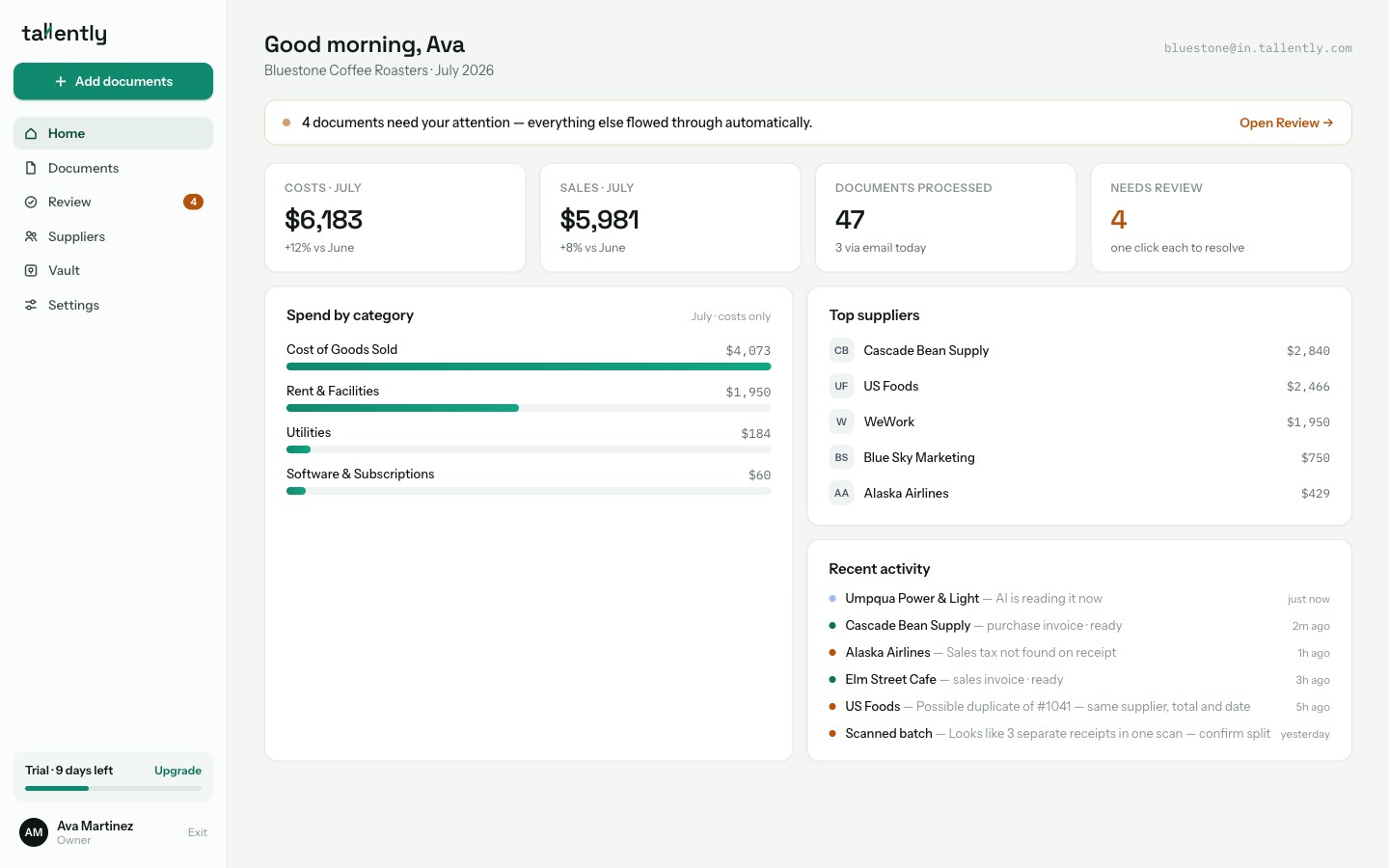
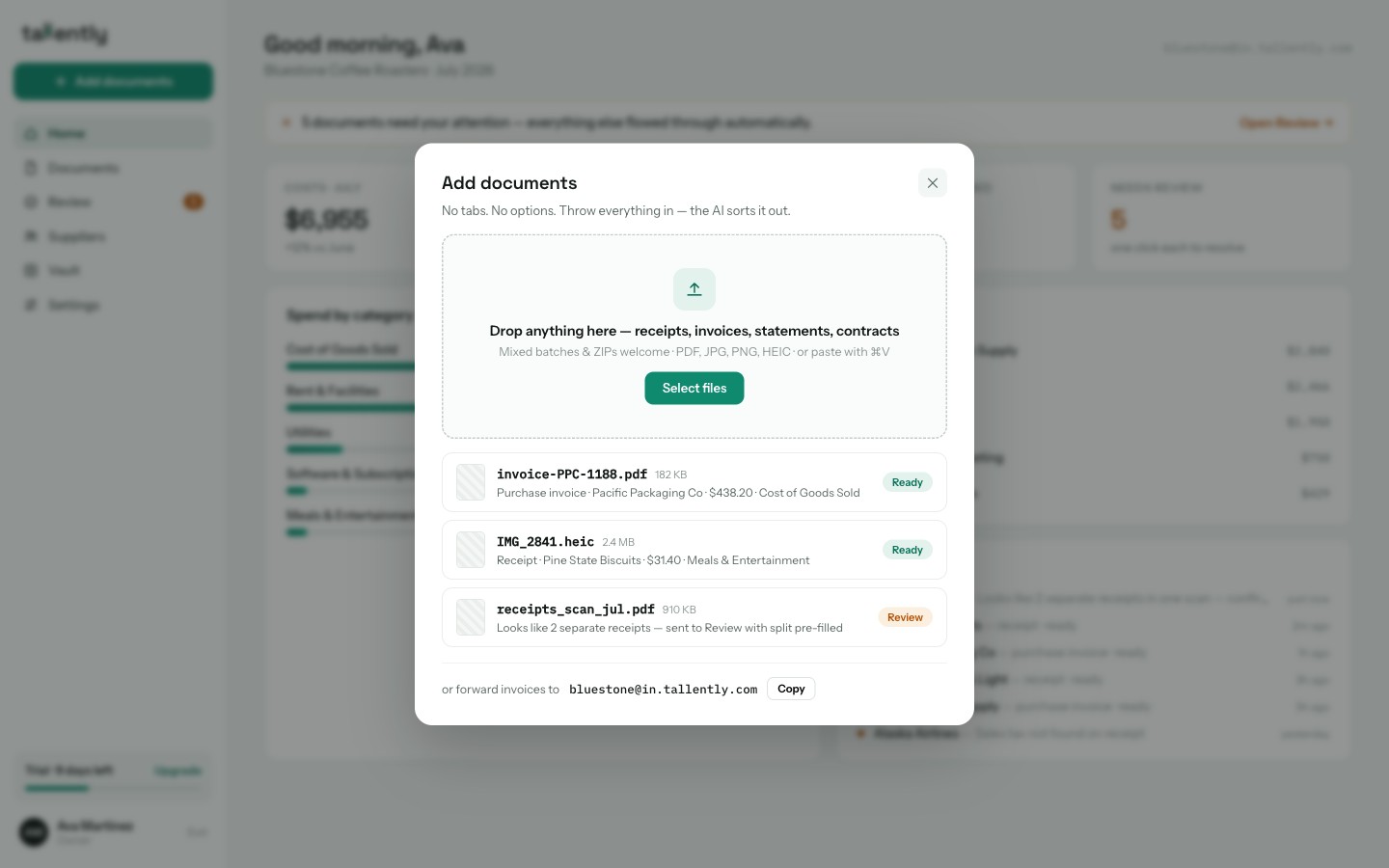
The gap between Hubdoc and Tallently isn't a feature list — it's who does the deciding. Hubdoc hands you a document back and waits for you to finish the job: check the total, add the tax, pick the account, publish. Tallently starts from the opposite end. You drop everything into one inbox — receipts, purchase invoices, sales invoices, statements, contracts, mixed ZIPs — and the AI works out what each document is, whether it's a cost or a sale, whether that 40-page scan is really 12 separate receipts, and whether you've uploaded it before.
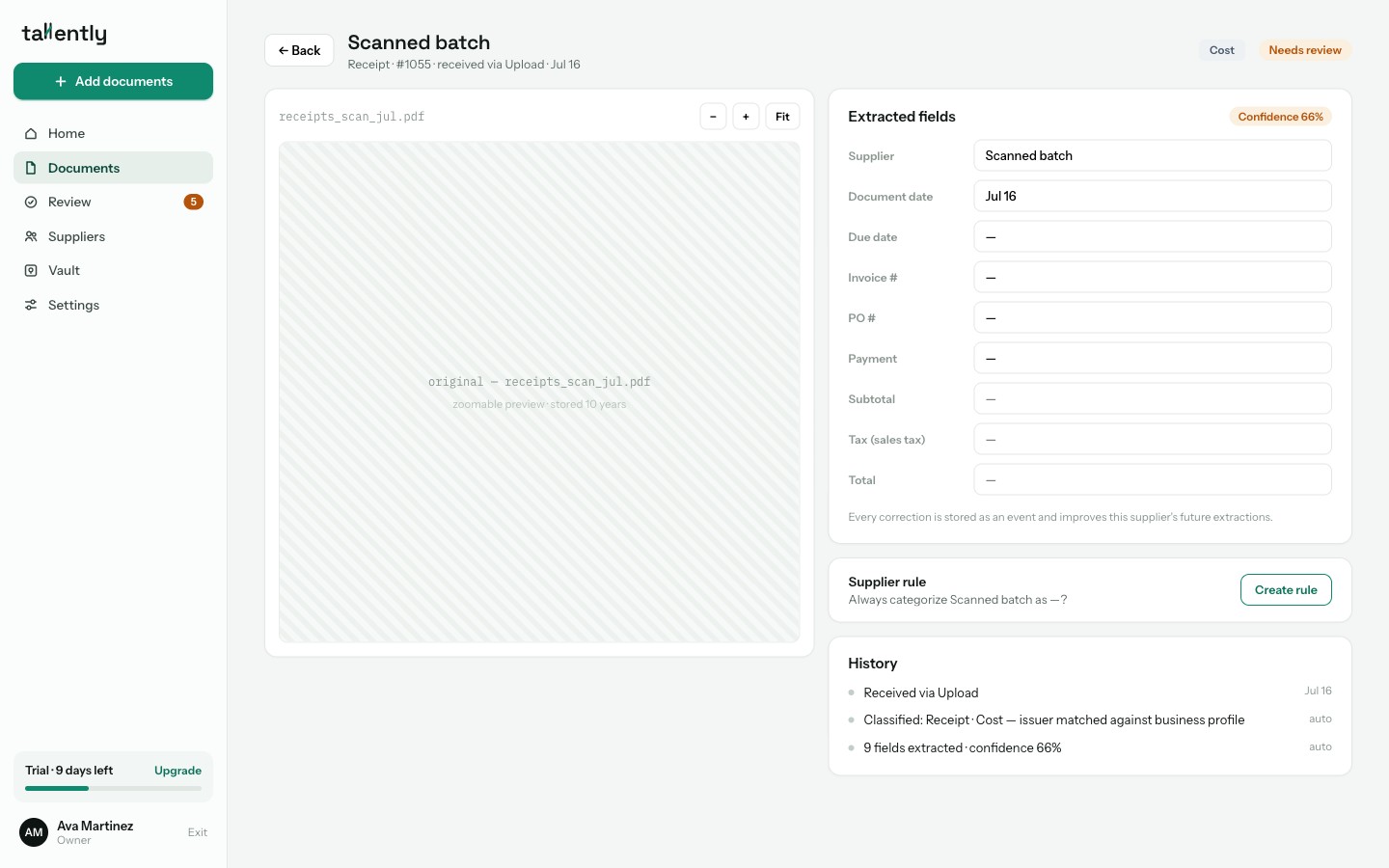
Extraction runs on AI vision rather than the legacy OCR Hubdoc reviewers keep comparing unfavorably to 1990s technology. Every field comes back with its own confidence score — supplier, dates, invoice number, subtotal, tax, total — so the software tells you which value it's unsure about instead of leaving you to find out at filing time. Corrections aren't wasted either: each one is stored and improves that supplier's next extraction.
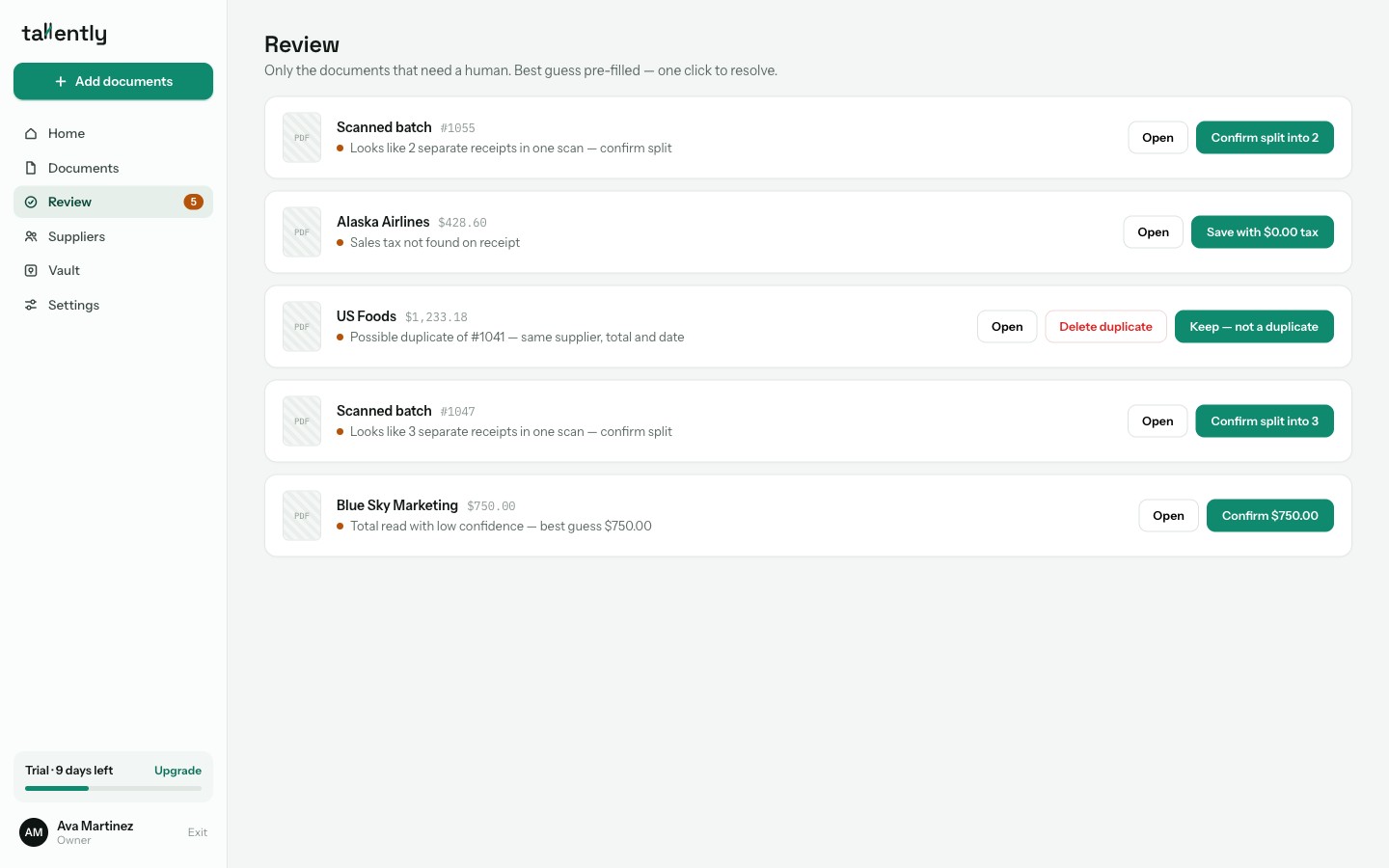
That confidence data feeds the part Hubdoc has no equivalent for: the Review queue. Rather than opening every document to verify it, you get one list containing only the documents that genuinely need a person — "tax not found", "possible duplicate of #1041" — each with the best guess already filled in and one click to resolve. Everything else flows straight through. When the queue empties, it tells you: "All clear 🎉".
The other Hubdoc frustration Tallently answers directly is repetition. Supplier rules watch how you code each supplier and learn from your corrections; once you trust your wholesaler's invoices, set the rule to auto-approve and they skip the queue entirely — categorized, filed and export-ready without you opening them.
Email-in follows the same one-place logic: a single address for the whole business (yourbusiness@in.tallently.com), handling attachments, receipts pasted into an email body, and links — with a wizard that sets up auto-forwarding from Gmail or Outlook in a couple of minutes. For getting data out, Tallently ships CSV and Excel exports formatted for QuickBooks Online and Xero import, plus generic CSV and PDF bundles for your accountant, with native QuickBooks and Xero connections on the way. Documents stay stored for 10 years with a full audit log.
Two honest caveats, since you're coming from a Xero-owned product: Tallently has no mobile app yet, so if photographing receipts on a phone is your main workflow, Hubdoc still does something Tallently doesn't. And the native ledger connections are still landing — today the route into Xero and QuickBooks is a purpose-built export file rather than one click. Everything else on this page, you can use on the free 14-day trial without a card.
Stop typing receipts into spreadsheets. Tallently reads, sorts and files every document for you — free for 14 days, no card required, set up in minutes. Start your free trial →
2. Dext — best for the established Xero-ecosystem standard
Best for: practices and businesses that want the most widely adopted pre-accounting tool, and will pay for it. Price: Business plan $31.50/month, or $25.21/month billed annually, for 250 documents and 5 users (£30 and £24.17 in the UK, as of July 2026).
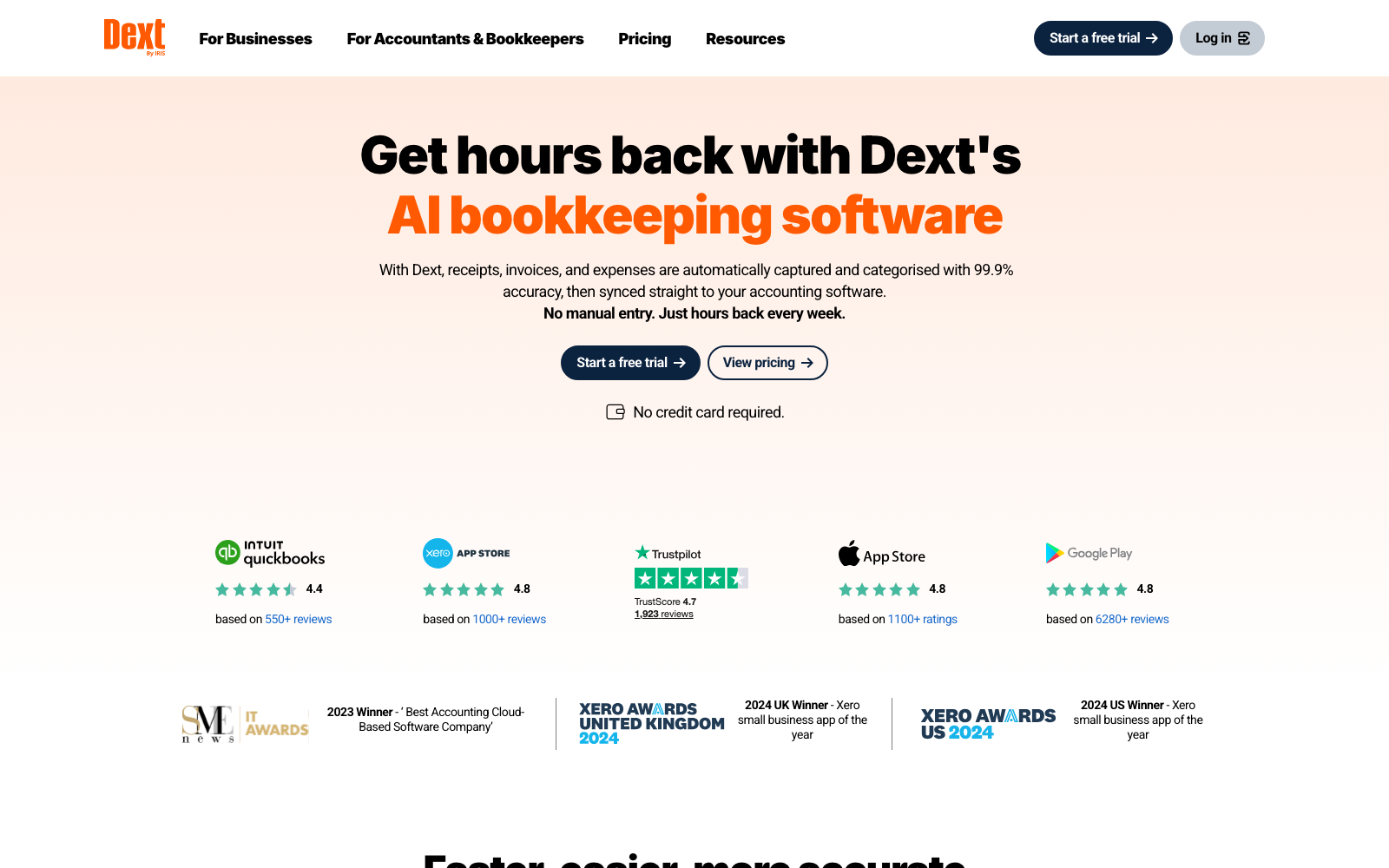
Dext is the upgrade most Hubdoc users are pointed toward, and on capability it earns it: line items, supplier statements, bank statement extraction, supplier rules, and an accountant network that means your bookkeeper probably already knows it. Verified Xero users rate it well above Hubdoc, and where Hubdoc has stood still, Dext has kept shipping.
The cost is the catch, in two ways. The sticker price is real money next to free, and the extras add up — line-item extraction alone starts at $20.50/month or $0.50 per document. Beyond that, community cost reports document renewal increases of 10–30% a year, and Trustpilot's 1-star reviews return again and again to auto-renewing annual contracts and a cancellation window that closes 30 days before renewal.
Where it falls short: price at renewal rather than capability. If that's your worry, we broke the numbers down in our guide to the best Dext alternatives.
3. AutoEntry — best for Sage-centric firms that accept credit packs
Best for: accountants and bookkeepers in the Sage ecosystem who can live with metered documents. Price: from $13/month (£14 UK) for 50 credits; plans scale to $469/month for 2,500 credits (as of July 2026).
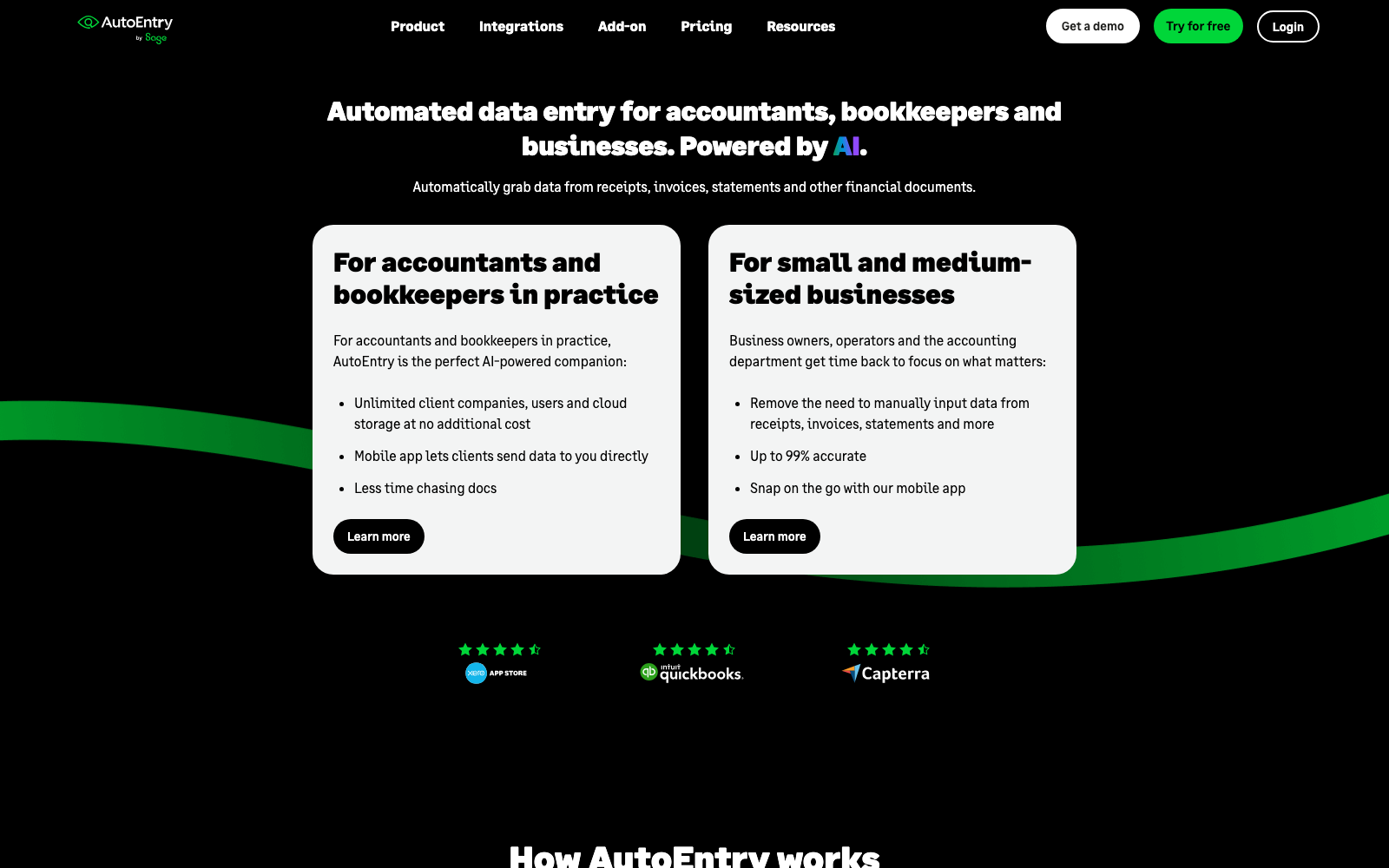
AutoEntry, owned by Sage, extracts everything Hubdoc won't: line items, supplier statements, bank statements and tax categorization, with supplier rules that remember your coding. It supports the broadest ledger list here — Sage, Xero, QuickBooks, FreeAgent — with unlimited users and companies on every plan, which is why multi-client practices like it. Verified Xero users rate it 4.7/5 across 465 App Store reviews.
Everything is metered, though. A plain invoice costs 1 credit, line items make it 2, bank statements are 3 credits per page — and unused credits expire after 90 days, a policy confirmed in AutoEntry's own help documentation.
Where it falls short: Trustpilot and Capterra reviewers vent repeatedly about that credit expiry, documents stuck processing for hours, and invoices marked "published" that never arrive in Sage or Xero. We priced the whole field in our guide to the best AutoEntry alternatives.
4. Datamolino — best for UK bookkeepers who need line items
Best for: UK and EU bookkeeping firms processing supplier invoices with line-item detail. Price: business plans from $20/month (£17) for 100 documents; firm plans metered from £25/month with unlimited clients (as of July 2026).
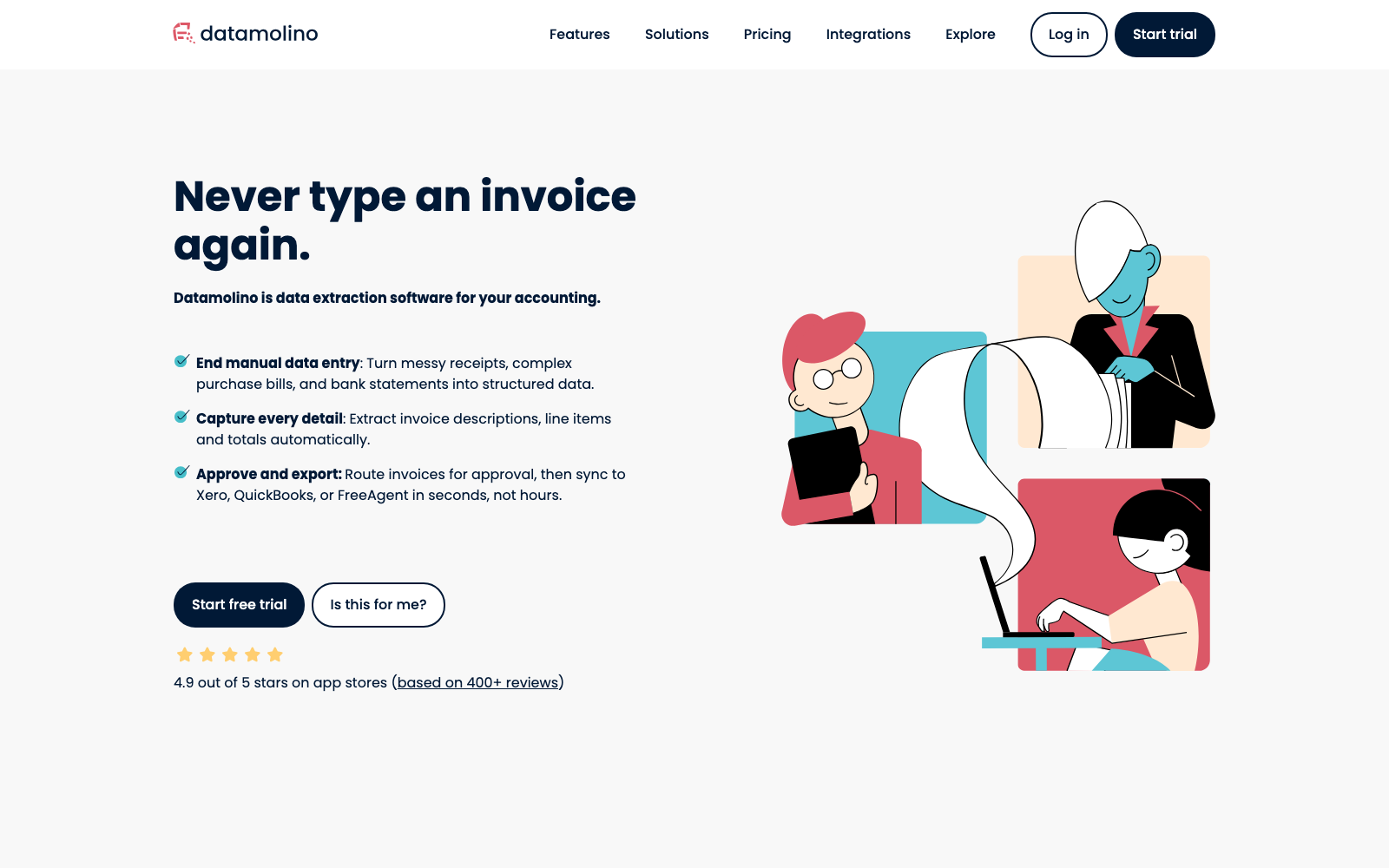
If your only complaint about Hubdoc is that it stops at the header, Datamolino is the tightest answer on this list. Purchase invoices and receipts in, line items available as a paid upgrade, multi-page PDFs split automatically, approval workflows as standard, then export to Xero, QuickBooks Online or FreeAgent. Firm plans are metered per document with unlimited users and unlimited client companies — no per-client licenses.
The satisfaction data stands out: 4.9/5 from 413 verified Xero users without a single 1-, 2- or 3-star review, and a perfect 5.0 support score on Capterra. Reviews from mid-2026 still describe fast human support and a product that keeps improving — the opposite trajectory to Hubdoc.
Where it falls short: line items cost extra — the Start plan goes from £17 to £35 a month with them enabled, and they aren't offered on the cheapest £25 firm tier. Otherwise the list is short: occasional OCR corrections on low-resolution scans, bank statement conversion always metered as an extra (about $0.80 per page), and no direct Sage integration.
5. Veryfi — best for developers and privacy-sensitive teams
Best for: product teams that want receipt extraction inside their own software, plus businesses that want the same engine in an app. Price: expense app $19.99/user/month, or $17.50/user/month billed annually, 300 documents/user included; OCR API free to 100 docs/month, then from $500/month (as of July 2026).
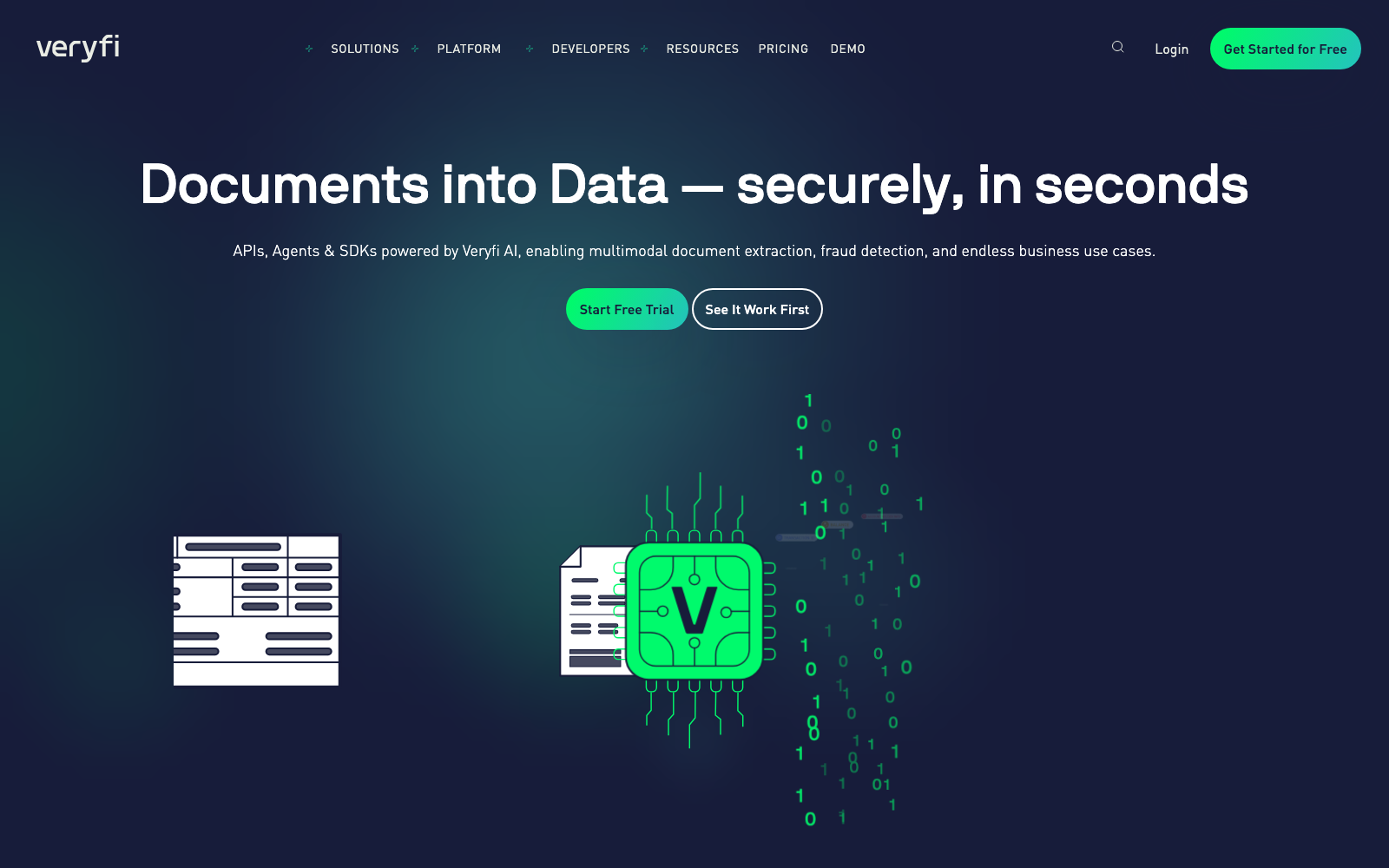
Veryfi is an extraction engine first: an API that turns receipts, invoices and tax forms into structured JSON in seconds, across 38 languages, with SDKs developers actually like. The same engine powers a small-business app with QuickBooks and Xero sync, flat per-user pricing and no credits. Capterra reviewers rate it 4.8/5 across 191 reviews, praising accuracy and support most.
For a small business replacing a free tool, the economics are the obstacle: at $17.50 per user per month, a five-person team is a serious jump from $0.
Where it falls short: Capterra and GetApp reviewers repeatedly flag the price for small teams and report OCR slips on faint or low-contrast receipts. Line items are capped at 10 per document on the app plan.
6. Expensify — best for teams reimbursing employee expenses
Best for: companies whose real problem is expense reports — submit, approve, reimburse — rather than supplier paperwork. Price: Collect plan $5/member/month; Control $18/member/month billed annually. Individuals get 25 free SmartScans a month (as of July 2026).
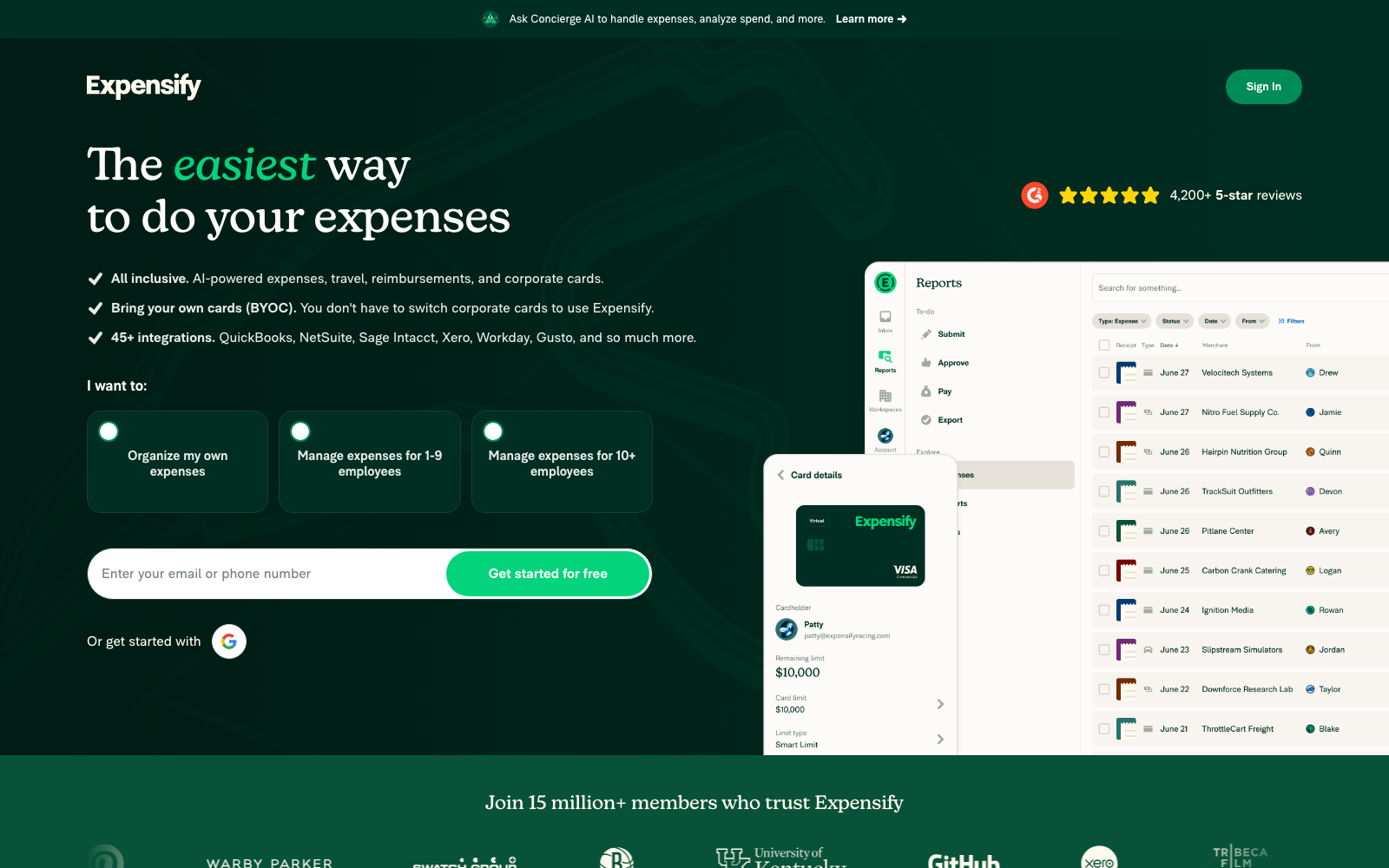
Expensify is the biggest name here — 4.5/5 on G2 across more than 5,600 reviews, a genuinely good mobile app, and deep integrations for the price (QuickBooks, Xero, NetSuite, Sage Intacct). If half your Hubdoc uploads are staff receipts awaiting reimbursement, Expensify solves that far better than Hubdoc ever did.
It answers a different question than Hubdoc, though. It's built around expense reports and reimbursement, not around supplier invoices and statements arriving by email.
Where it falls short: G2 and GetApp reviewers describe billing surprises tied to Expensify Card usage thresholds, and recent Trustpilot reviews report that SmartScan accuracy and the redesigned app need more manual fixing than expected.
7. Zoho Expense — best for the tightest budgets
Best for: micro-teams leaving Hubdoc who refuse to start paying, and Zoho-suite businesses. Price: free for up to 3 users (20 autoscans/user); Standard $3/user/month billed annually; Premium $5/user/month billed annually (as of July 2026).
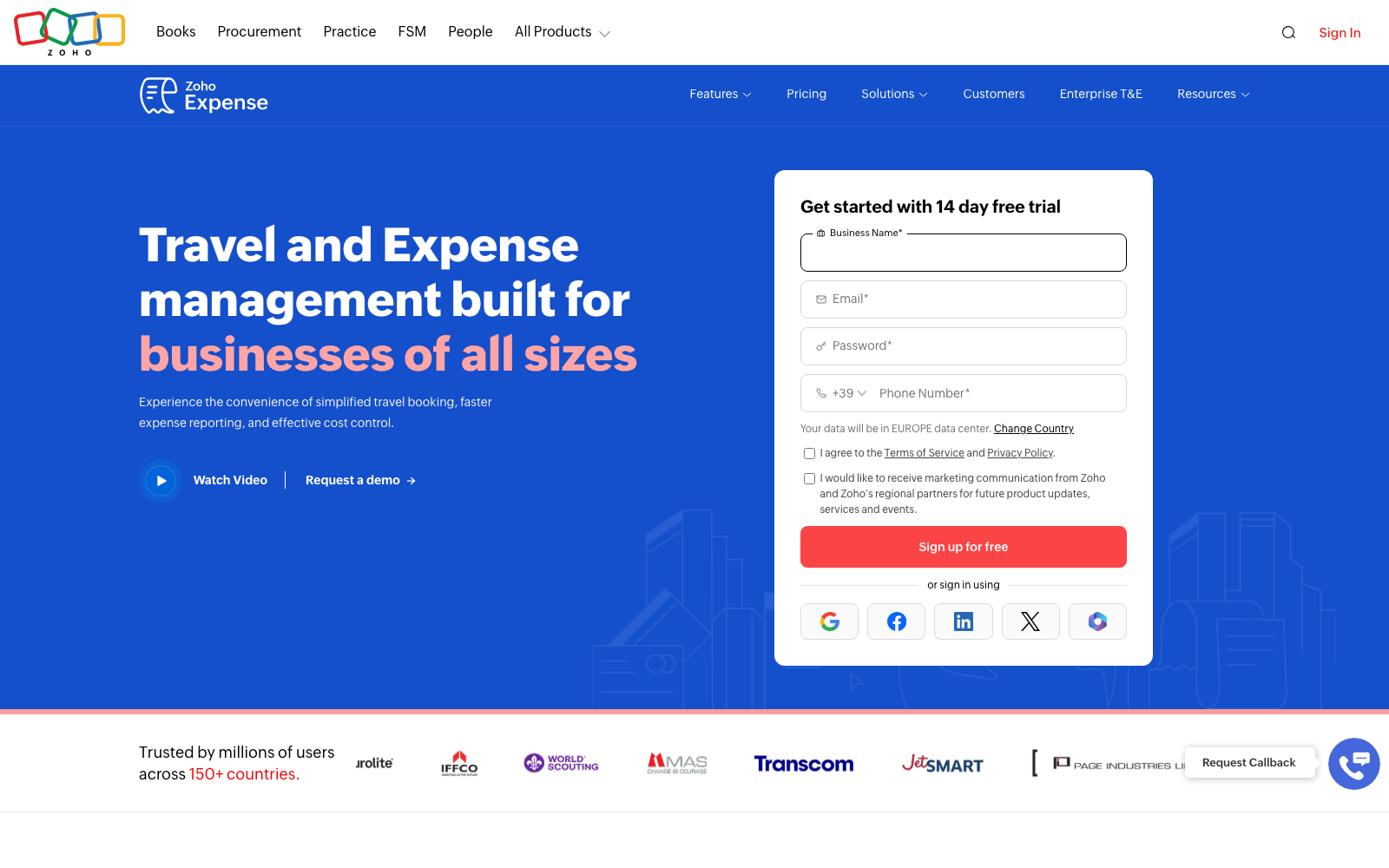
This is the one alternative that competes with Hubdoc on Hubdoc's own ground: price. The free tier is real — 3 users, GPS mileage, multi-currency — and it connects to QuickBooks Online and Desktop, Xero, Sage, NetSuite and the Zoho suite. G2 rates it 4.5/5 across more than 1,500 reviews.
Like Expensify, it's a travel-and-expense tool rather than a bookkeeping inbox: no supplier-statement handling, no bank-statement extraction, and the 20 autoscans per user per month on Free and Standard disappear quickly if receipts are your main workload.
Where it falls short: Capterra reviewers repeatedly report card-feed sync failures and duplicate transactions, OCR misreads on crumpled receipts, and a setup that takes real effort before it feels smooth.
8. Shoeboxed — best for digitizing a paper backlog by mail (US)
Best for: US businesses sitting on a literal shoebox of paper receipts. Price: from $9/month (Starter, 30 digital scans) to $79/month (Plus); the popular Pro plan is $29/month or $297/year (as of July 2026).
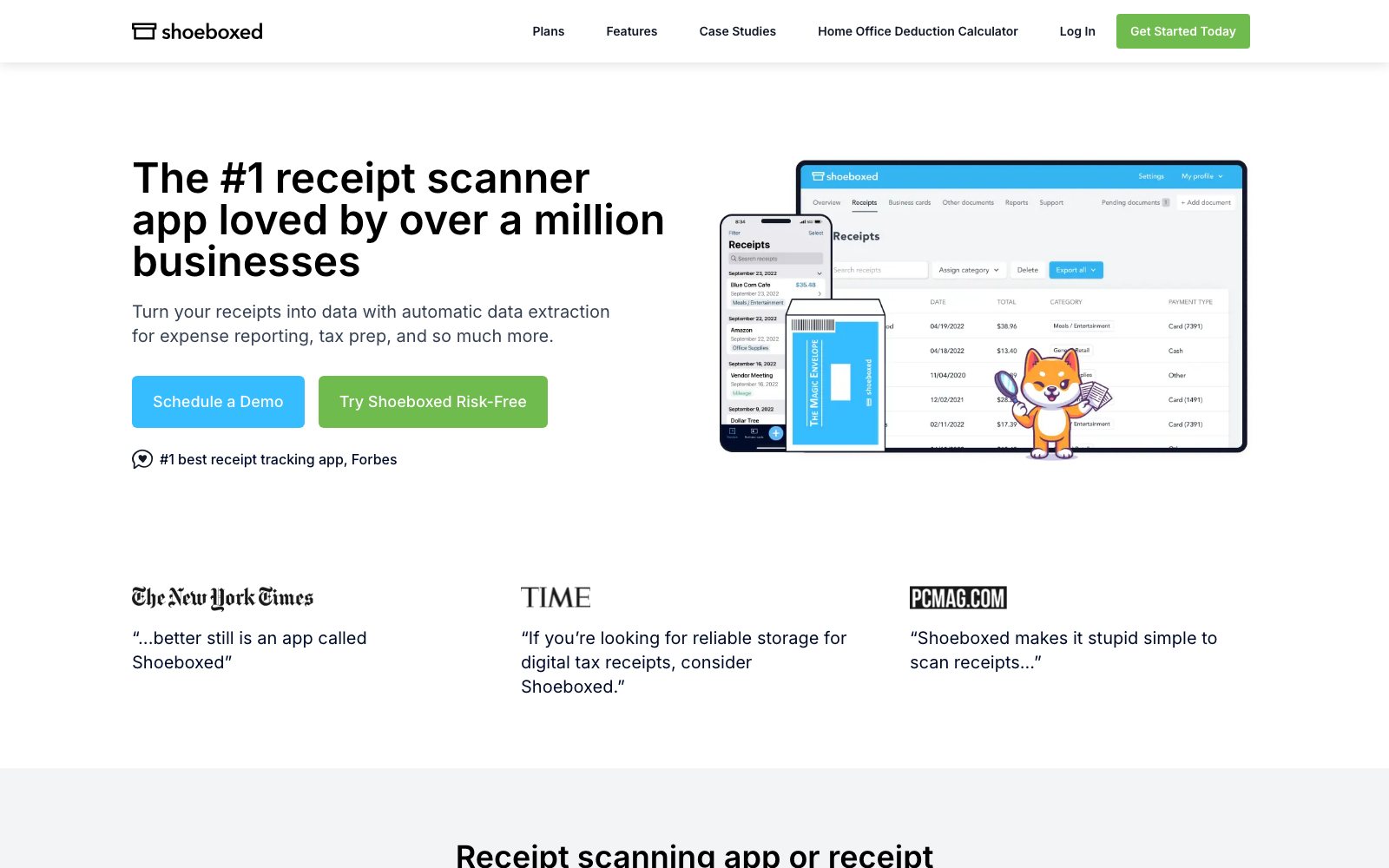
Shoeboxed does one thing nothing else here does: the Magic Envelope. You post your paper receipts in a prepaid envelope and Shoeboxed scans, human-verifies and categorizes them at the other end. If your Hubdoc problem is really a drawer of paper nobody will ever photograph, this is the fix — and reviewers consistently say the human-verified data is accurate enough for the IRS.
It's US-centric: prepaid postage is domestic only, and every plan has hard monthly scan caps with overage fees.
Where it falls short: Capterra reviewers call it expensive at low volumes, describe the web interface as dated, and several report envelope turnaround stretching past a week once mail time is counted.
Which Hubdoc alternative is right for you?
| If you are… | Pick | Why |
|---|---|---|
| A small business tired of finishing what the software started | Tallently | One inbox, AI classifies and extracts, you review only exceptions |
| A practice that wants the ecosystem standard | Dext | Most widely adopted, deepest accountant network |
| An accounting firm on Sage | AutoEntry | Same ecosystem, unlimited client companies |
| A UK bookkeeper who bills for line-item work | Datamolino | Line-item specialists, approvals included on every plan |
| Building capture into your own product | Veryfi | API-first extraction with a real free tier |
| Mostly reimbursing employees | Expensify | Purpose-built submit → approve → reimburse flow |
| Determined not to start paying | Zoho Expense | Free for 3 users, $3/user/mo after |
| Buried under years of paper (US) | Shoeboxed | Mail it in; humans verify the data |
| Happy with Hubdoc and low volume | Stay put | Free with Xero is hard to beat at 20 documents a month |
That last row is genuine. If Hubdoc handles your volume and you've never had to correct it, nothing here is worth the switching cost. The test is simple: for one month, note the minutes you spend fixing what Hubdoc got wrong. If it's under an hour, stay. If it's an afternoon, run a trial — Tallently's doesn't ask for a card. And if your shortlist has already narrowed to Dext, price the rest of that field first: we ran the same exercise on nine Dext alternatives.
Frequently Asked Questions
Is Hubdoc being discontinued?
No. As of July 2026, Hubdoc is still listed in the Xero App Store, still described as included in Xero Starter, Standard and Premium plans (Early, Growing and Established in the US), and verified Xero users were leaving reviews of it in June 2026. Several blog posts published in 2026 claim Xero shut Hubdoc down on 8 May 2026 and replaced it with "Xero Files" — that claim doesn't appear in any of Xero's own channels, and the evidence contradicts it. Hubdoc's brand is being folded into "Smart Document Capture" on some regional Xero pricing pages, which may be where the confusion started.
Is Hubdoc free with Xero?
Yes. Hubdoc is included at no extra cost with Xero Starter, Standard and Premium plans, with no document cap. Without a Xero subscription it runs $12 USD/month after a 30-day free trial that doesn't ask for a card (checked on Hubdoc's pricing page, July 2026). It also syncs to QuickBooks Online, so you don't have to be a Xero customer to use it.
Does Hubdoc extract line items?
No — Hubdoc reads header-level data: supplier, date, tax and total, with the original document attached. Individual line items aren't extracted, which is the single most common reason firms move to Dext, AutoEntry, Datamolino or Tallently. If you code purchases by line, reclaim tax per item, or rebill costs to clients, this is the limitation that will decide your choice.
What is the best free alternative to Hubdoc?
Zoho Expense has the most usable free tier: 3 users with 20 autoscans each per month, plus Xero and QuickBooks connections. Expensify gives individuals 25 free SmartScans a month, and Veryfi's OCR API is free to 100 documents a month for developers. All three are free with real limits rather than free replacements — if supplier invoices are your main workload, you'll hit the ceiling within weeks. Tallently isn't free, but the 14-day trial requires no card.
Can I use Hubdoc with QuickBooks Online?
Yes. Despite being owned by Xero, Hubdoc publishes to QuickBooks Online as well, and its standalone $12/month plan exists partly for that audience. The trade-off is the same either way: whichever ledger you publish to, you're publishing header data and attaching the source document, so anything below the total still gets keyed in by hand.
Does Tallently work with QuickBooks and Xero?
Yes — today through export files formatted specifically for QuickBooks Online and Xero import, alongside generic CSV/Excel and PDF bundles, with native one-click integrations coming next. Your accountant gets clean structured data either way, and every original stays stored and searchable for 10 years.
How do I move my documents off Hubdoc?
Download your archive before you cancel — Hubdoc lets you export your documents, and you should confirm the download is complete while your access is still active. Any alternative worth switching to, Tallently included, accepts bulk uploads of that archive, so your history lands in the new system rather than being stranded in the old one. If Hubdoc came bundled with Xero, remember you're not canceling Xero — you're just switching off the capture tool and pointing your email forwarding somewhere new.
Ready to stop finishing the software's job? Throw a month of receipts at Tallently and watch them file themselves — start your free 14-day trial, no card required, set up in minutes.